
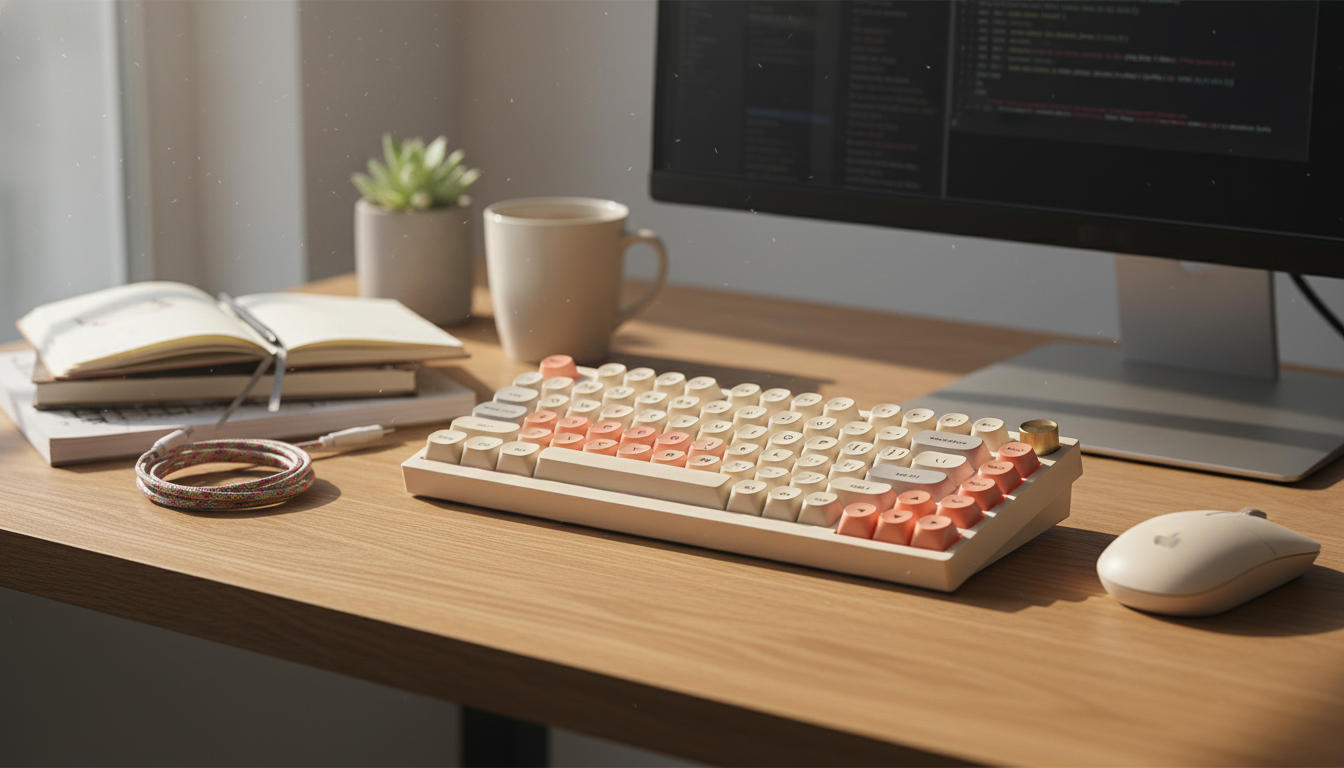
A 75% layout keeps essential keys close while saving desk space for wider mouse movement. Combined with wireless connectivity, RGB lighting, and hot-swappable switches, this keyboard style fits gaming setups that need responsive performance plus the freedom to customize feel and sound over time—without committing to one switch type forever.
A 75% keyboard is a practical middle ground: it trims the footprint of a full-size board while preserving the key clusters many players and everyday users rely on. Most 75% designs keep arrow keys and a compact function row, but remove the numpad and reduce the extra spacing that spreads keys farther apart.
Wireless is about convenience, but it’s also about consistency. A clean desk, quick setup changes, and no cable drag are real quality-of-life wins—especially if you switch between a desktop rig, a laptop, or a living-room setup.
Connectivity standards keep improving, and modern implementations can be very dependable when the signal path is clear. For deeper technical background, the Bluetooth Core Specification is the authoritative reference for Bluetooth behavior and capabilities.
Hot-swap sockets change the ownership experience. Instead of being locked into a single switch, a hot-swap board makes it simple to test different feel profiles—linear for smooth presses, tactile for a noticeable bump, or clicky for audible feedback—without buying another keyboard.
If you’re comparing switch families, manufacturer references can help narrow the feel you want. The CHERRY MX switches overview is a useful baseline for understanding common switch categories and characteristics.
RGB can be pure vibe, but it can also be functional. The right lighting choices make it easier to find key clusters during low-light sessions and can separate gaming and work modes at a glance.
Two 75% keyboards can look similar but feel very different day to day. Build structure, sound tuning, and software controls often matter as much as switch type—especially if you alternate between gaming, chat, and focused work.
| Use case | Top priorities | Nice to have |
|---|---|---|
| Competitive gaming | Stable connection, consistent key feel, rollover/anti-ghosting | Simple static lighting, sturdy case |
| Mixed gaming + work | Comfortable layout, quieter acoustics, easy device switching | Programmable shortcuts, multiple profiles |
| Customization hobby | Hot-swap support, keycap compatibility, mod-friendly build | Sound-dampening options, extra switch support |
| Portable setup | Compact size, reliable wireless, solid battery habits | Protective sleeve, low-profile carry weight |
For device-level input standards and key behavior references, the USB HID (Human Interface Device) Usage Tables are a widely used source.
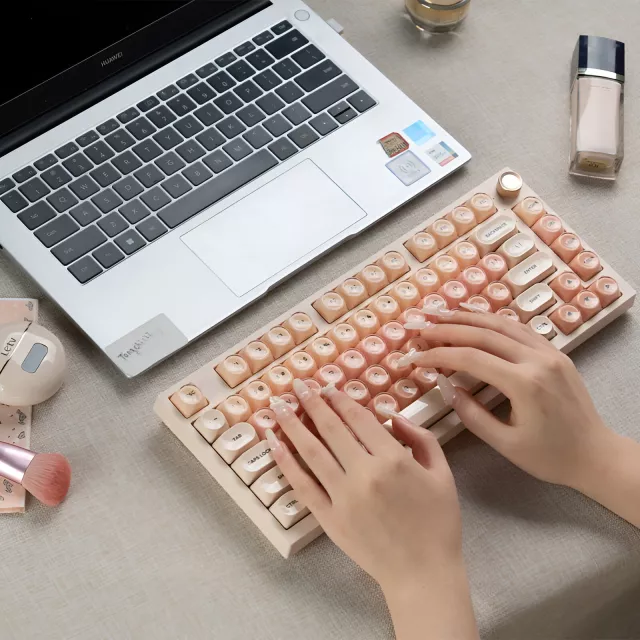
If the goal is to reclaim mouse space while keeping a familiar key layout, a 75% wireless hot-swap board hits the sweet spot. The 75% Wireless Mechanical Gaming Keyboard with RGB and Hot-Swap is designed around that balance: compact footprint, wireless convenience, and the flexibility to change switches when your preferences evolve.
Also available in our store: Healthy Meal Plan & Recipe Collection eBook and Bye-Bye Bottle! Toddler Bottle-Weaning Checklist.
Yes—modern wireless keyboards can be reliable for gaming when interference is minimized and the receiver/device has a clear signal path. Wired mode is still a solid option while charging or when you want maximum consistency for tournaments or LAN play.
Hot-swappable means the keyboard uses sockets that let you remove and install switches without soldering. Compatibility (often MX-style) matters, and it’s important to insert switches straight to avoid bending pins.
Yes, brighter and more animated lighting generally uses more power. Lower brightness, choose static colors, and turn lighting off when it’s not needed to extend time between charges.










Leave a comment