
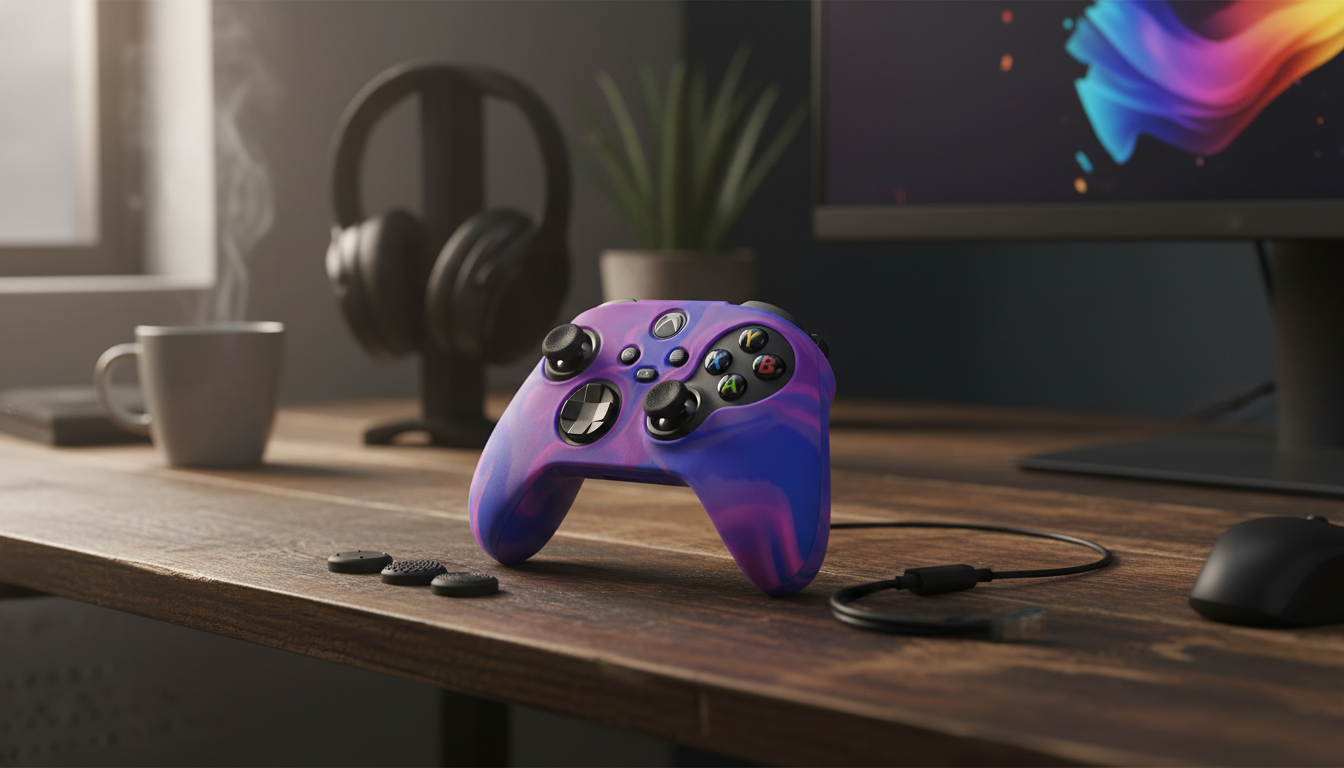
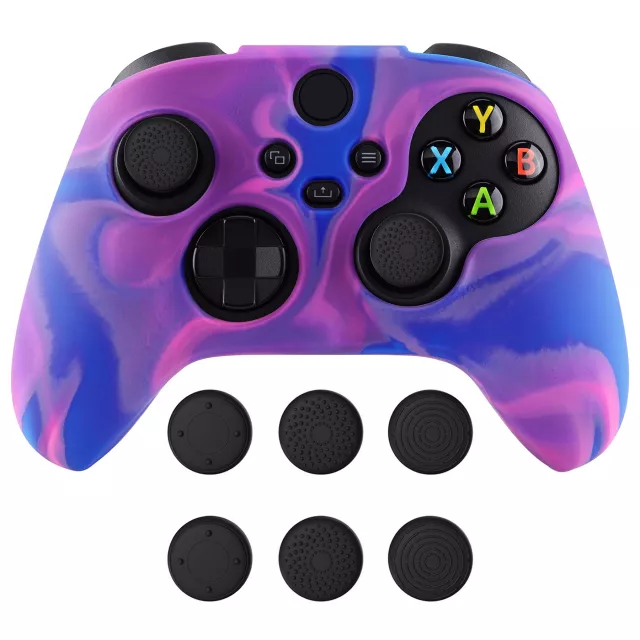
A silicone grip cover can make a controller feel steadier during long sessions by adding texture, softening hard edges, and helping protect the shell from scuffs. This camouflage anti-slip cover is designed to improve hold without adding much bulk, making it a practical add-on for everyday play, travel, and shared households.
When gameplay gets hectic, small comfort and control upgrades can add up. A silicone sleeve changes the way an Xbox Wireless Controller sits in your hands by adding a grippier surface and a softer feel where your palms naturally apply pressure.
For controller-related setup, pairing, and general tips, Xbox’s official support hub is a reliable reference: Xbox Support.
Camouflage isn’t only about style—it can also be a practical finish for a frequently handled accessory. Patterned surfaces tend to look “cleaner” for longer between wipe-downs because minor dust and faint smudges don’t show as starkly as they can on a solid-color cover.
If you share your controller with family members or take it on the go, the camo look can also help the controller feel “personal” without needing permanent modifications.
A silicone grip cover should feel like a second skin: secure, predictable, and consistent. The best experience comes from a sleeve that aligns cleanly with the controller’s curves and doesn’t tug or shift when you adjust your hands mid-match.
| Check | Why it matters | What to look for |
|---|---|---|
| Snug alignment | Prevents sliding and distraction | Edges sit flush; cover doesn’t rotate when hands reposition |
| Button and stick clearance | Maintains consistent inputs | No rubbing on sticks; buttons press cleanly |
| Trigger/bumpers access | Keeps reaction timing natural | Openings don’t interfere with finger placement |
| Port/battery access | Avoids hassle during charging or swaps | Cutouts aligned so cables and accessories fit as usual |
A silicone cover is best thought of as “daily-driver” protection. It’s meant to reduce cosmetic wear and make the controller easier to hold, rather than function as a ruggedized case.
For players who benefit from specific grip styles or ease-of-use adjustments, it can be helpful to browse Microsoft’s official accessibility resources: Microsoft Accessibility – Xbox.
Silicone is fairly low-maintenance, but it performs best when it’s kept clean. Hand oils and dust can build up over time, especially if the controller travels in a backpack or gets used in multiple rooms.
When reading reviews or evaluating claims about “performance improvements,” it’s also worth knowing the basics of endorsement and testimonial rules: FTC Guide Concerning the Use of Endorsements and Testimonials in Advertising.
A camouflage anti-slip silicone sleeve is a simple upgrade, but it’s especially useful in a few common scenarios where grip and exterior protection matter most.
A silicone cover adds a thin layer plus extra texture, so it typically feels more cushioned rather than dramatically larger. Perceived bulk depends on hand size and how snug the sleeve fits, but most players notice the grip improvement more than added thickness.
A properly designed cover uses cutouts and clearance so buttons, sticks, triggers, and bumpers move normally. After installing, confirm the sleeve is aligned and that sticks don’t rub and buttons press cleanly.
Remove the cover, wash it with mild soap and warm water, rinse well, and let it air-dry completely before reinstalling. Avoid harsh chemicals and high heat to help preserve the silicone’s texture.









Leave a comment