
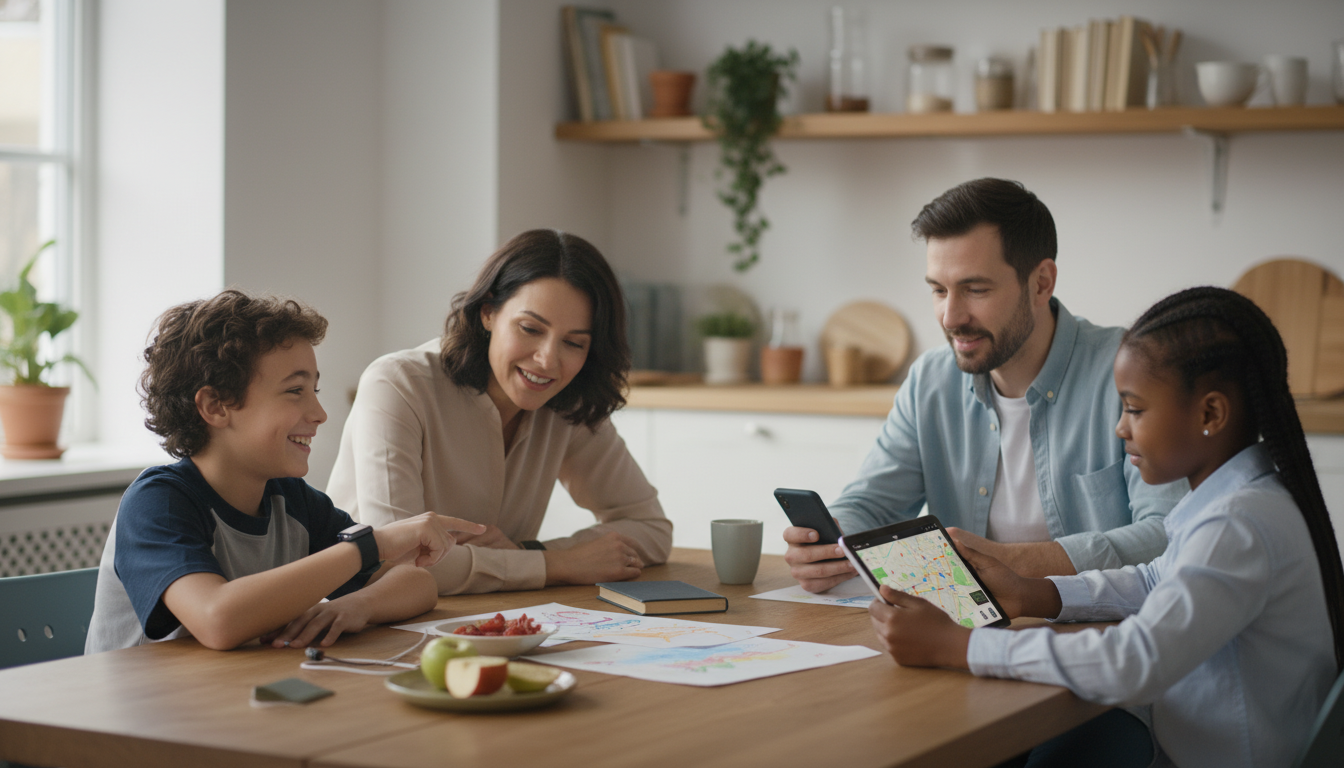
A kid smartwatch can be a practical bridge between “no phone yet” and full independence—if it’s chosen with safety, privacy, and real-world usability in mind. The best options focus on reliable check-ins, parent-managed contacts, and school-friendly controls without turning the wrist into a distraction machine. Below are the decisions that matter most: location accuracy, communication settings, durability, battery life, and how newer AI features can help (or complicate) everyday use.
Before comparing models, decide what problem the watch should solve. A “best” kid smartwatch for after-school pickup may be a poor fit for a child who needs strict school lockouts or minimal messaging.
“Safety” features vary wildly by brand. Two watches can both advertise SOS and tracking, yet behave very differently when you actually need them. Confirm the details before you buy, and test them during normal routines.
| Feature | What to confirm before buying | Why it matters |
|---|---|---|
| SOS / Emergency | Hold time, auto-dial order, SMS + call support | Faster help and fewer false alarms |
| Contact controls | Whitelist only, parent-managed directory | Reduces spam and unwanted contact |
| Geofences | Custom zones, alert delay settings, accuracy in your area | Useful alerts without constant noise |
| School mode | Schedules by day, emergency override | Prevents distraction during class |
| App permissions | Granular permissions and parental admin | Improves privacy and reduces risk |
Most kid smartwatches don’t use GPS alone. They combine multiple signals—each with different strengths—then show you a “best guess” location in the parent app.
Communication features should fit how your family actually communicates. A watch that’s perfect on paper can become a source of daily friction if messaging is noisy or controls are buried.
For additional guidance on children’s privacy and digital wellbeing, see the FTC’s COPPA resources, the American Academy of Pediatrics’ media guidance, and practical device reviews at Common Sense Media.
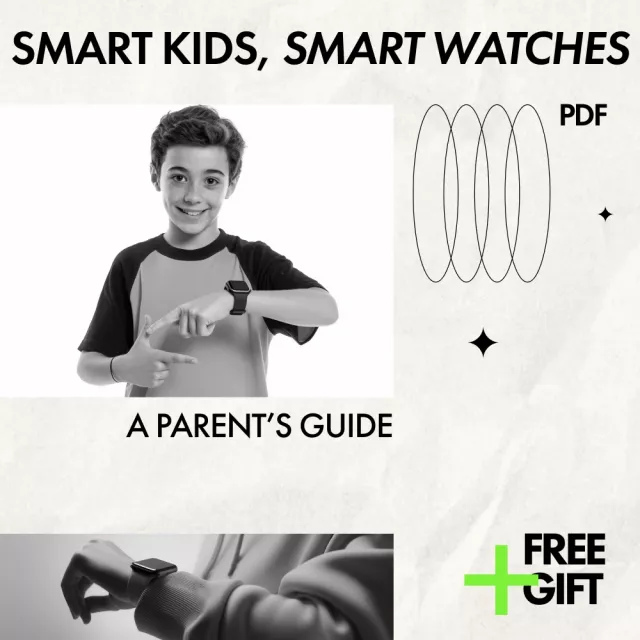
If a step-by-step walkthrough would make setup faster (and less stressful), use Smart Kids, Smart Watches: A Parent’s Guide (Digital Download). It’s designed for comparing safety settings, understanding GPS expectations, weighing AI tradeoffs, and following a clear first-week checklist.
Other helpful family picks available now include Bye-Bye Bottle! Toddler Bottle-Weaning Checklist (Digital Download) and a practical safety add-on for older kids who ride independently: 2-in-1 Bike Cable Lock with Built-In Taillight.
Many do, especially models that offer calling, messaging, and real-time location tracking through LTE/cellular service. Bluetooth-only watches may work without a plan but typically won’t provide away-from-home tracking; always check the total ongoing cost before buying.
Accuracy depends on whether the watch is using GPS (best outdoors), Wi‑Fi positioning (often better indoors), or cellular triangulation (least precise). Update intervals and your environment matter, so it’s worth testing accuracy along normal routes like home-to-school and after-school locations.
Start with a contact whitelist, SOS contacts, and school/quiet mode schedules, then add geofences once you’ve tested alert reliability. Use strong account protection and disable any unnecessary sharing, social features, or optional AI tools you don’t plan to use.








Leave a comment