
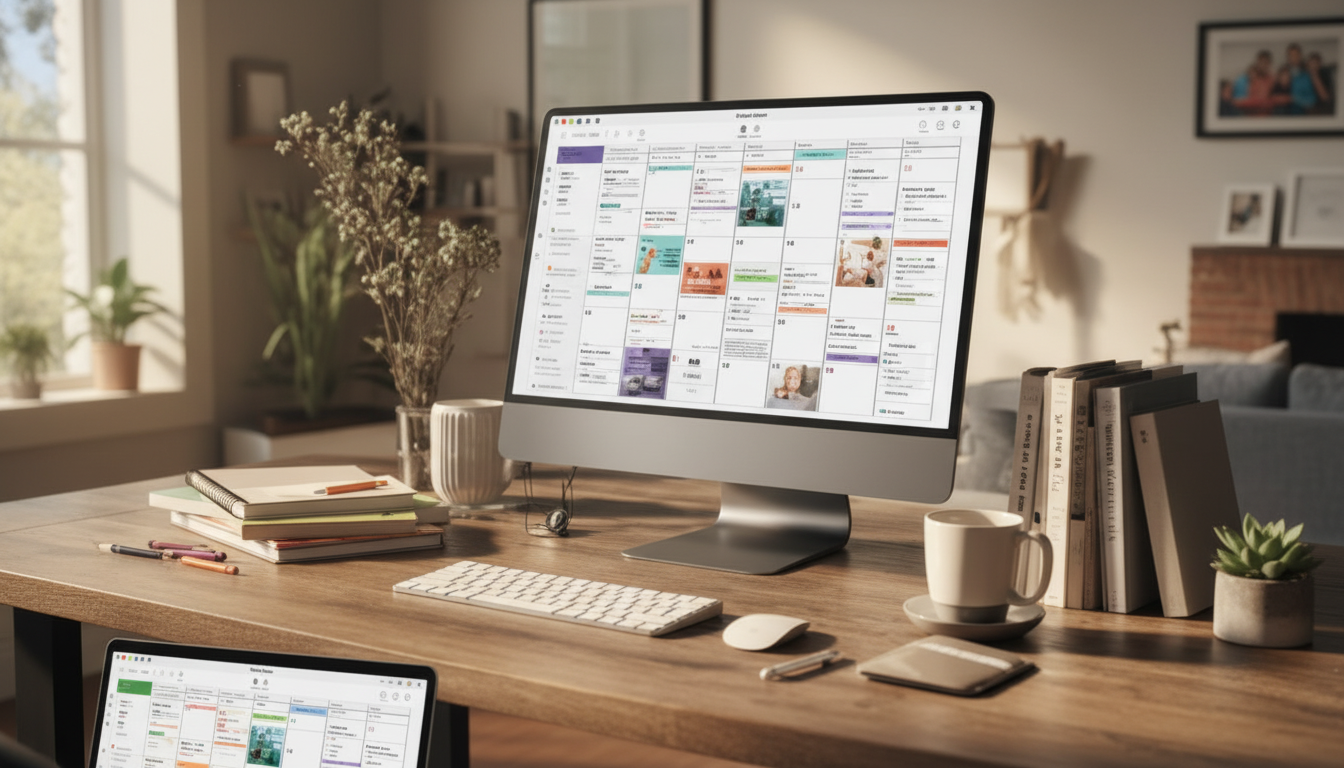
Busy families don’t usually struggle with “having a calendar”—they struggle with keeping it updated, consistent, and actually useful across multiple people, devices, and routines. Using AI alongside a shared family calendar can reduce back-and-forth texting, prevent double-booking, and turn scattered reminders into a predictable weekly rhythm.
Most households already have some kind of calendar. The friction shows up in the gaps between where information starts and where it needs to land.
AI won’t magically “know” your family’s life. What it can do extremely well is take messy inputs and turn them into clean, consistent drafts you can approve in seconds.
To keep the foundation solid, it helps to use a calendar platform that supports sharing and permissions. If you’re comparing options, these official guides are useful: Google Calendar Help Center, Apple Support: Share calendars on iPhone, and Microsoft Support: Outlook calendar sharing.
A “self-running” calendar is really a calendar with fewer decisions required. The goal is to make correct scheduling the default.
If you want a ready-to-follow setup that keeps one person from becoming the “calendar manager,” the Simplify Your Life with AI Family Calendar – Practical eBook Guide on how to manage family calendar with ai for Busy Families walks through templates, handoffs, and repeatable weekly routines.
The fastest way to keep a calendar accurate is to process small batches consistently. A short weekly reset beats daily scrambling.
| Step | Time | Outcome |
|---|---|---|
| Gather new inputs (emails, flyers, messages) | 3 min | One pile of everything that needs scheduling |
| AI converts inputs into draft events | 4 min | Clean event list with times/locations and questions |
| Resolve conflicts and lock priorities | 4 min | No overlaps; clear “must-do” commitments |
| Assign responsibilities (driver, prep, reminders) | 2 min | Everyone knows what they own |
| Send weekly digests + set key reminders | 2 min | Fewer morning surprises and missed items |
One helpful pairing: link your weekly schedule to what dinner needs to look like. On weeks with late practices and staggered pickups, having a simple rotation of realistic meals reduces decision fatigue. The Healthy Meal Plan & Recipe Collection is easy to plug into the calendar as repeating “meal prep” or “quick dinner” blocks.
And if your household includes little-kid routines that change quickly, adding transitions to the calendar as short “phases” (with checklists and gentle reminders) can prevent backsliding. The Bye-Bye Bottle! Toddler Bottle-Weaning Checklist is a good example of something that can live right inside a weekly plan as simple, trackable steps.
The best option is the one every adult will actually open on both phone and desktop, with sharing and permission controls. AI can still help even if the calendar is simple—as long as you can quickly copy in clean event drafts and keep one shared hub.
Share only the minimum needed (time, date, location), use generic labels for sensitive items, and review drafts before saving them to the shared calendar. Strong account permissions and device privacy settings also help keep visibility appropriate for each family member.
A solid rule of thumb is two reminders per event: one prep reminder (often the night before) and one departure reminder that accounts for travel time. Save extra alerts for high-stakes appointments, and rely on a weekly digest for everything else.












Leave a comment