
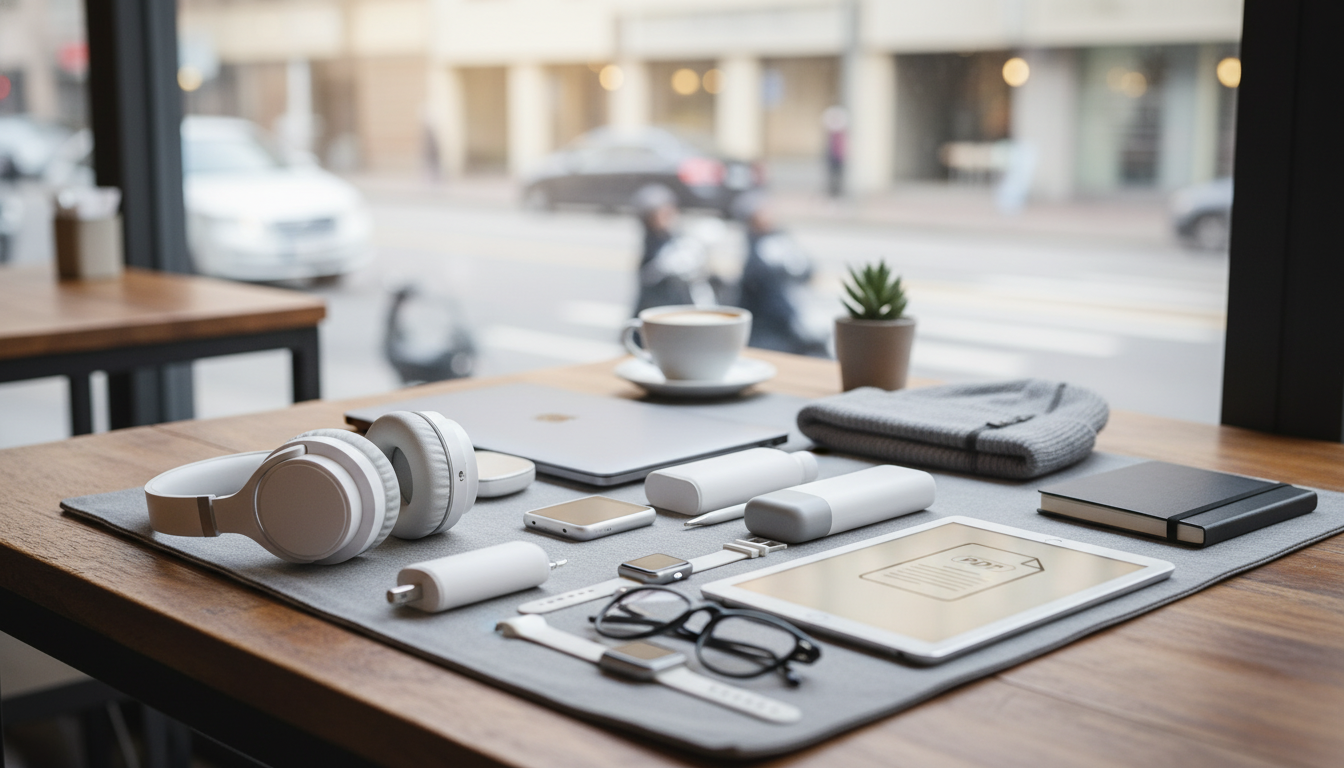
Remote work on the move succeeds or fails on a few practical tools: power that lasts, audio that stays clear, secure connectivity, and a setup that keeps posture and focus intact. The most useful travel gadgets are the ones that reduce friction—fewer cables, fewer dead batteries, fewer awkward calls, and less time hunting for adapters—so work can happen smoothly from airports, cafés, coworking spaces, and short-term rentals.
A solid “micro‑office” isn’t about carrying everything—it’s about choosing gear that removes the most common points of failure when you’re away from a normal desk.
Power is the first domino. If your laptop can’t charge, everything else becomes a workaround. A dependable power kit is usually lighter than the stress it prevents.
| Item | What to look for | Common mistake to avoid |
|---|---|---|
| GaN wall charger | USB‑C PD, multi‑port, laptop‑capable wattage | Buying a low‑watt charger that can’t power a laptop under load |
| Power bank | USB‑C PD output, airline‑friendly capacity, clear readout | Assuming all power banks can charge laptops |
| Travel adapter | Correct plug types, solid build, proper grounding where needed | Using adapters as voltage converters (they usually aren’t) |
| Cables | 2× USB‑C, durable, correct length for desks/airports | Packing only one cable and losing productivity when it fails |
| Tech pouch | Slim, structured, easy access | Loose cables that tangle and wear out fast |
Before flying, confirm power bank rules and limits. The TSA’s guidance is a practical baseline for what can go in carry-on luggage: TSA: Portable Chargers and Power Banks.
Remote work thrives on stability. When the internet is unpredictable, the goal is graceful degradation: your workflow slows down, but it doesn’t stop.
When booking coworking space or rentals, WPA3-enabled networks are a plus when available. For background, the Wi‑Fi Alliance explains WPA3 security improvements here: Wi‑Fi CERTIFIED WPA3 Security.
For a deeper look at strong authentication, NIST’s digital identity guidelines are a helpful reference point: NIST: Multi-Factor Authentication (Digital Identity Guidelines).
Start with power (a laptop-capable GaN charger and USB‑C PD power bank), reliable connectivity (hotspot/eSIM plus a VPN), and call quality (headphones/earbuds with a solid mic). Add ergonomic tools like a stand and compact keyboard/mouse for longer stays.
Use a reputable VPN, keep devices updated, and enable full-disk encryption where available. Pair a password manager with MFA, and avoid signing into sensitive accounts on unknown networks when you have a safer alternative.
Bring a laptop and phone, a multi-port USB‑C PD charger, one spare USB‑C cable, a laptop-capable power bank, and a universal adapter. Add a compact audio solution for calls and a simple backup plan (cloud plus a local copy) for critical files.







Leave a comment