
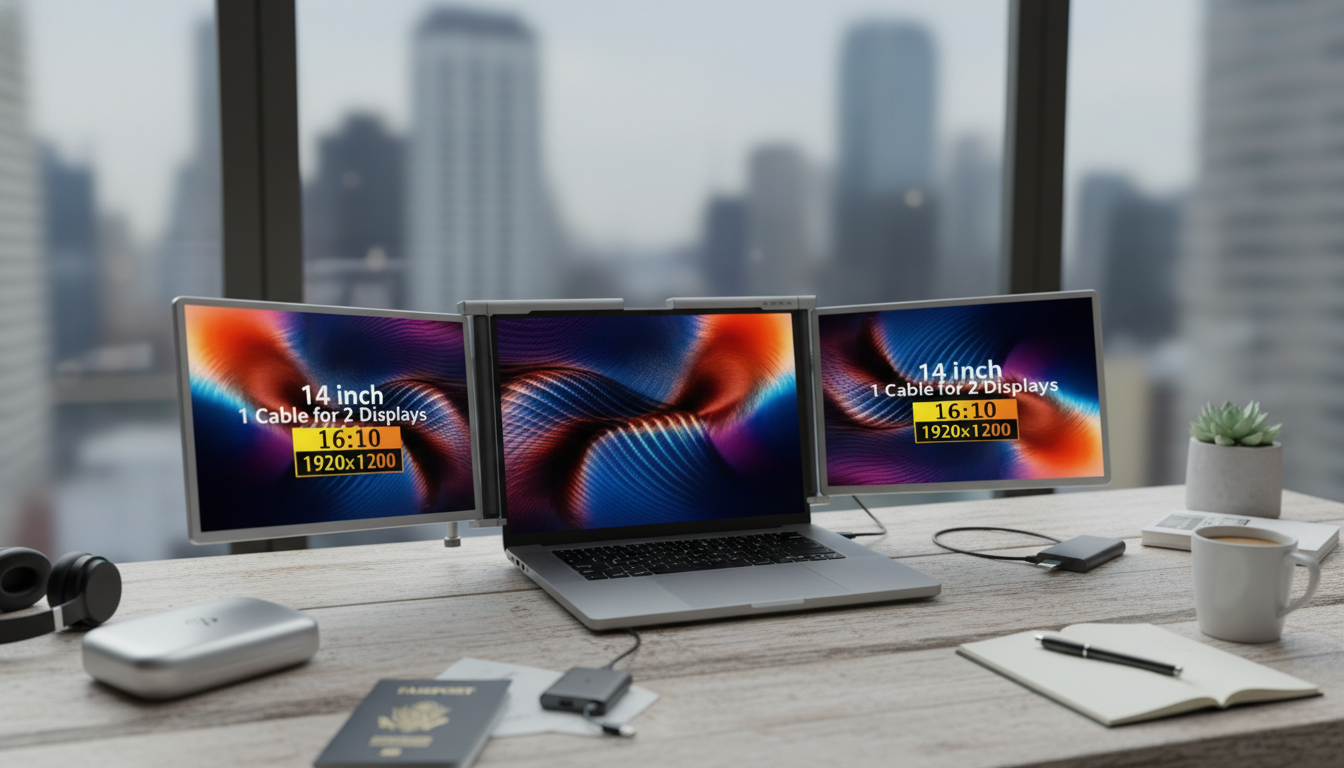
A portable tri-screen laptop extender adds two side displays to a laptop setup, creating a three-screen workspace that’s easier to manage on the go. It’s designed for people who juggle research, messaging, spreadsheets, creative tools, or meetings at the same time and want a more organized layout without carrying full-size monitors.
A tri-screen laptop extender turns a single-laptop workflow into a three-screen layout by attaching two slim displays to the sides of your main screen. The biggest win is visibility: instead of constantly shuffling windows, you can keep the right information open in the right place.
For many roles, that “always visible” setup can reduce errors (like copying from the wrong sheet), speed up review cycles (source on one screen, draft on another), and help meetings feel less frantic (call on one screen, notes and agenda on the others).
Extra screens aren’t only for a permanent desk. A tri-screen extender is especially useful when the working environment changes week to week, but the need for a consistent layout stays the same.
Even a small improvement in “context switching” can add up: fewer clicks, fewer missed messages, and less time spent resizing windows every time you open a new document.
Before choosing a tri-screen extender, confirm that your laptop can physically mount it and technically drive it. A quick compatibility check can prevent the common issues: unstable mounting, limited external display support, or surprise adapter needs.
| Check | What to confirm | Why it matters |
|---|---|---|
| Fit | Laptop screen size range and lid thickness support | Prevents wobble, misalignment, or mounting issues |
| Outputs | Laptop supports multiple external displays | Avoids buying extra screens the laptop can’t drive |
| Connections | USB-C/USB-A/HDMI options and included cables | Ensures plug-and-play setup in different locations |
| Power | Whether it’s bus-powered or needs supplemental power | Helps plan for travel and reduces desk clutter |
| Adjustability | Rotation/tilt/angle options and stability | Improves comfort for long sessions |
| Portability | Weight and fold/pack design | Makes it practical for commuting and travel |
For platform-specific display limits and setup details, check the official guides for Windows multiple monitors and Apple external display support.
Once the hardware is connected, a few software and layout adjustments can make the whole three-screen experience feel seamless instead of awkward.
If you work long sessions, it’s worth following basic workstation ergonomics guidance—especially screen height, glare control, and reducing repeated neck rotation. The NIOSH ergonomics resources are a solid reference for fundamentals.
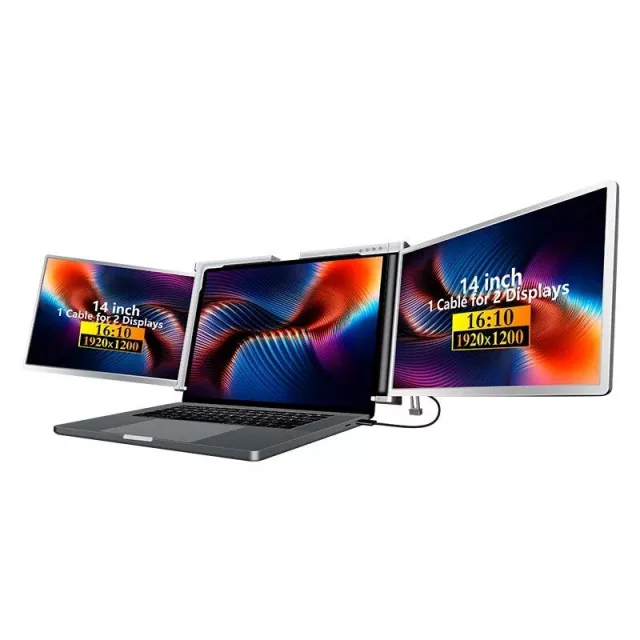
If the goal is a travel-friendly, three-screen setup that can be deployed quickly in tight spaces, the Portable Tri-Screen Laptop Extender is a practical upgrade for frequent multitaskers. It’s designed to expand a laptop into a more organized workstation so key apps can stay visible rather than stacked.
| Item | Detail |
|---|---|
| Product | Portable Tri-Screen Laptop Extender |
| Availability | In stock |
| Price | 970.95 USD |
| Product page | https://classyfindbay.shop/portable-tri-screen-laptop-extender/ |
Not always. Confirm the extender’s fit (screen size and lid thickness) and make sure your laptop can drive multiple external displays through its available ports and OS support.
It depends on the model and how it’s powered. Some setups run from USB-C power, while others may need supplemental power or specific adapters based on the ports your laptop provides.
It can be, as long as the side screens are adjustable and aligned to reduce neck rotation. Matching scaling and brightness across displays also helps reduce eye strain during extended work.










Leave a comment